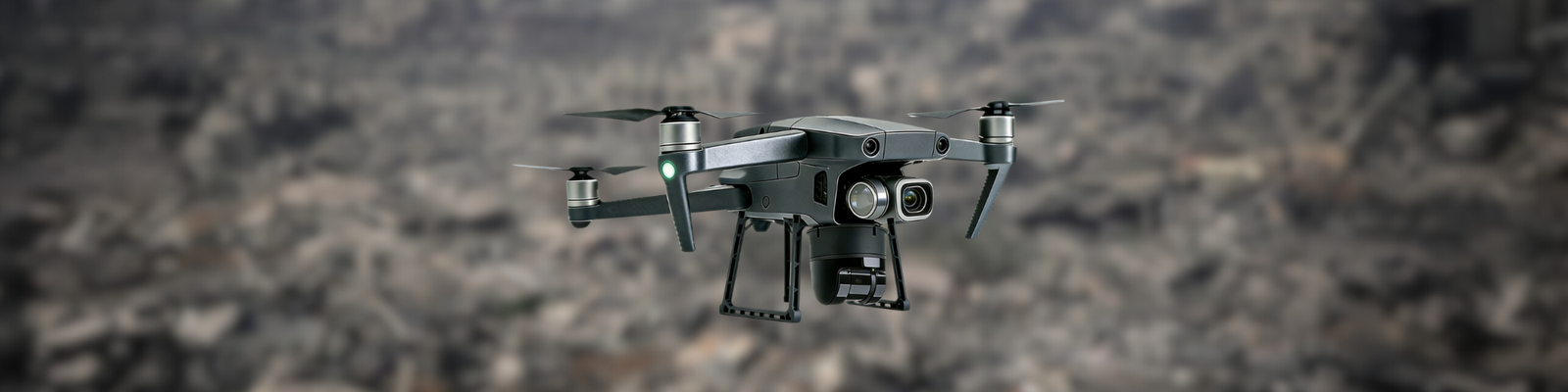
The CoordiMate Drone: Your Eyes in the Sky
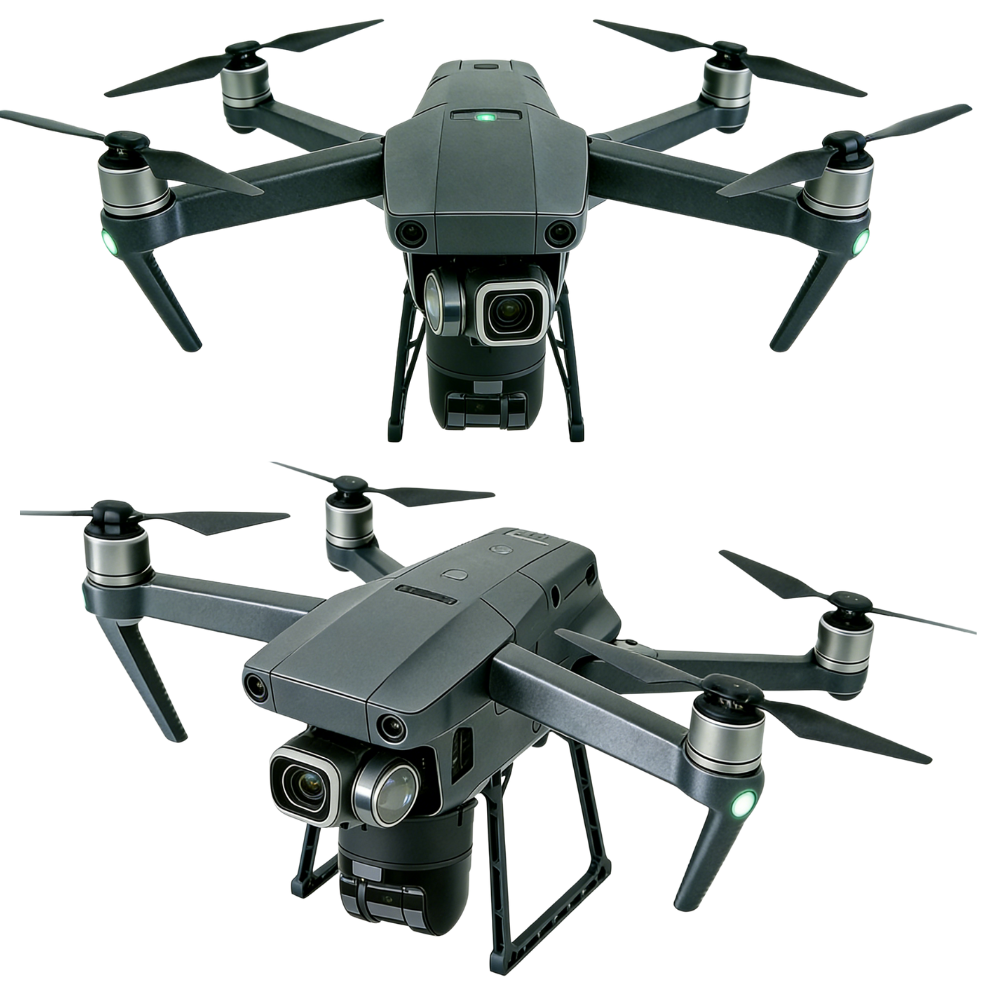
What is CoordiMate?
A cutting edge. multi-sensor equipped drone engineered for rapid victim detection in disaster zones.
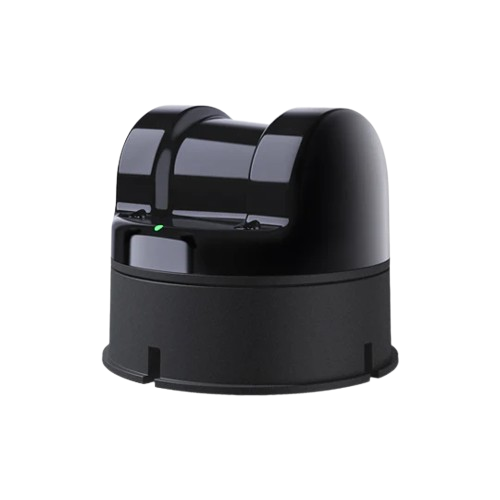
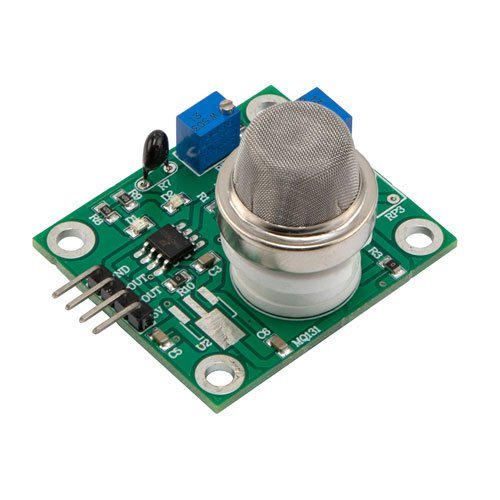
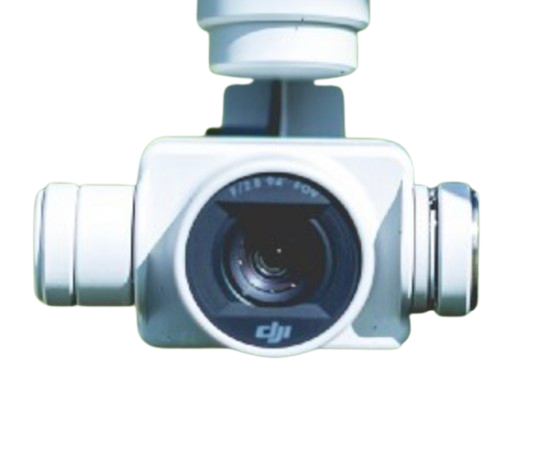
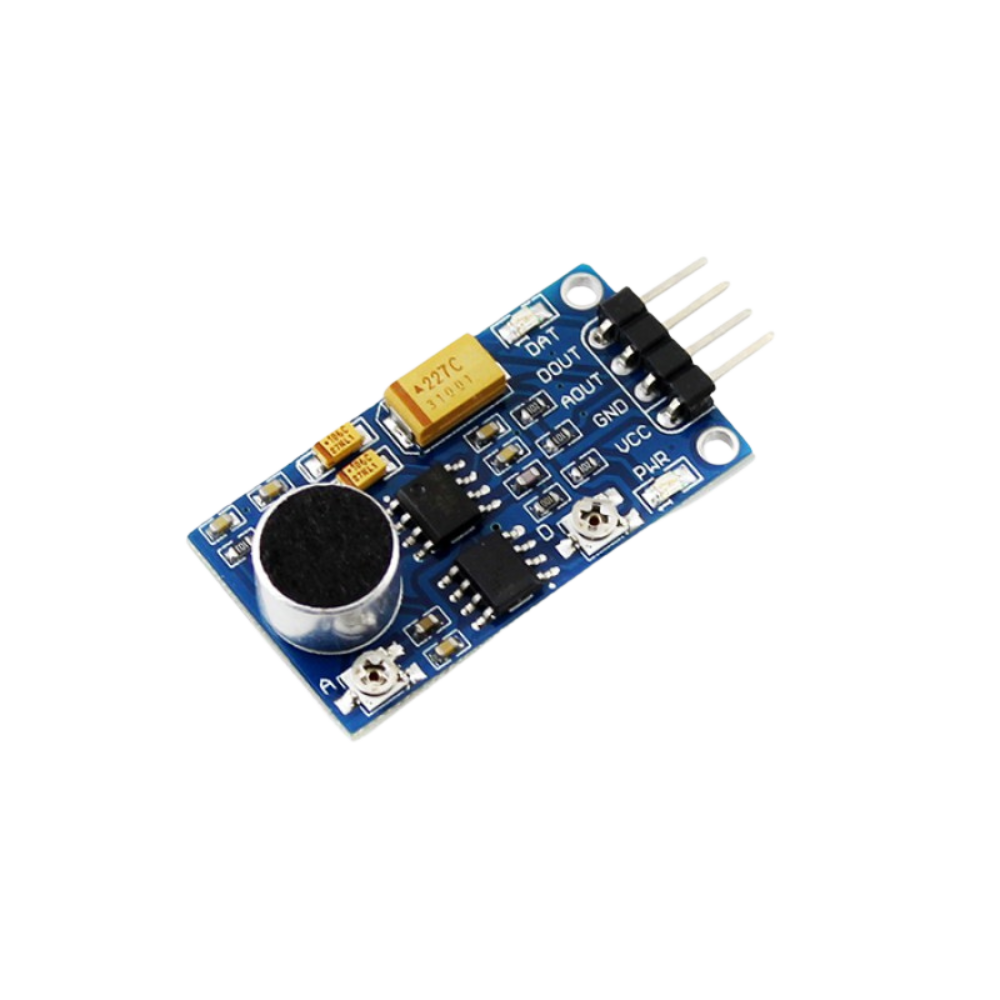
By combining inputs from the thermal sensor, high-resolution camera, and other onboard sensors, the drone can reliably detect victims in a wide range of conditions, including low visibility, debris obstruction, or partial concealment. Once a victim is detected, the LiDAR generates a 3D map of the victim’s surroundings, which is then processed by CoordOS to automatically produce optimal route suggestions for the CoordinAider ATV to reach them efficiently and safely.
Fast. Durable. Lightweight.
The perfect aerial rescue companion.
Sensors On Board
Route optimization? No problem.
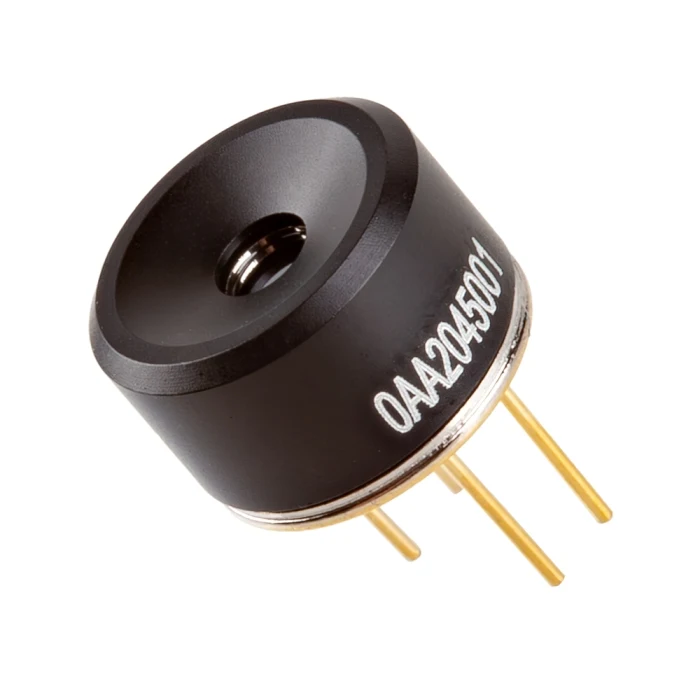
Introducing the LiDAR – the powerhouse that maps surroundings and locates obstacles efficiently.
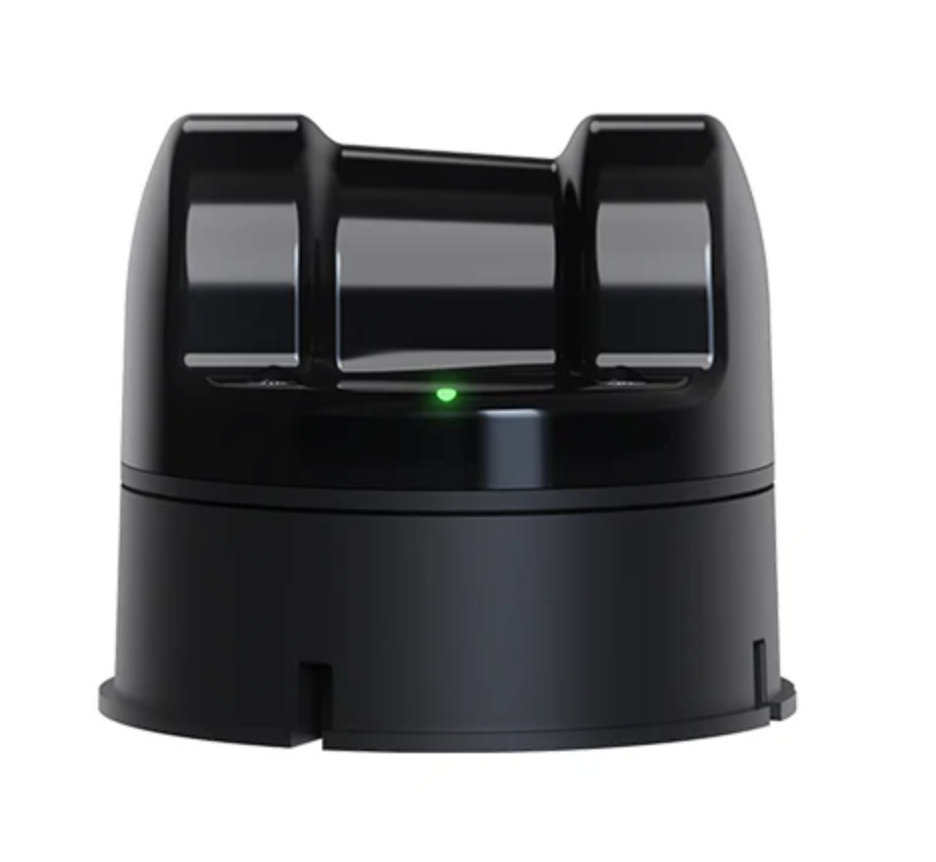
UniTree 4D LiDAR
The UniTree 4D LiDAR is a high-resolution 3D LiDAR with 1D grayscale capabilities. The LiDAR performs part 1 of the route optimization process, which is to map a located victim’s surroundings through scanning the environment to create a detailed 3D view of the terrain and nearby obstacles.
The LiDAR benefits our system in three main ways:
- Coverage (shows what is around the victim’s location)
- Precision (accurately detects objects, distances and terrain changes)
- Reliability (capable of working under harsh conditions like dust, smoke or low light)
Pathfinding
The generated LiDAR data is sent to our main network and processing server, CoordOS, where the LiDAR’s raw map data will undergo further processing.
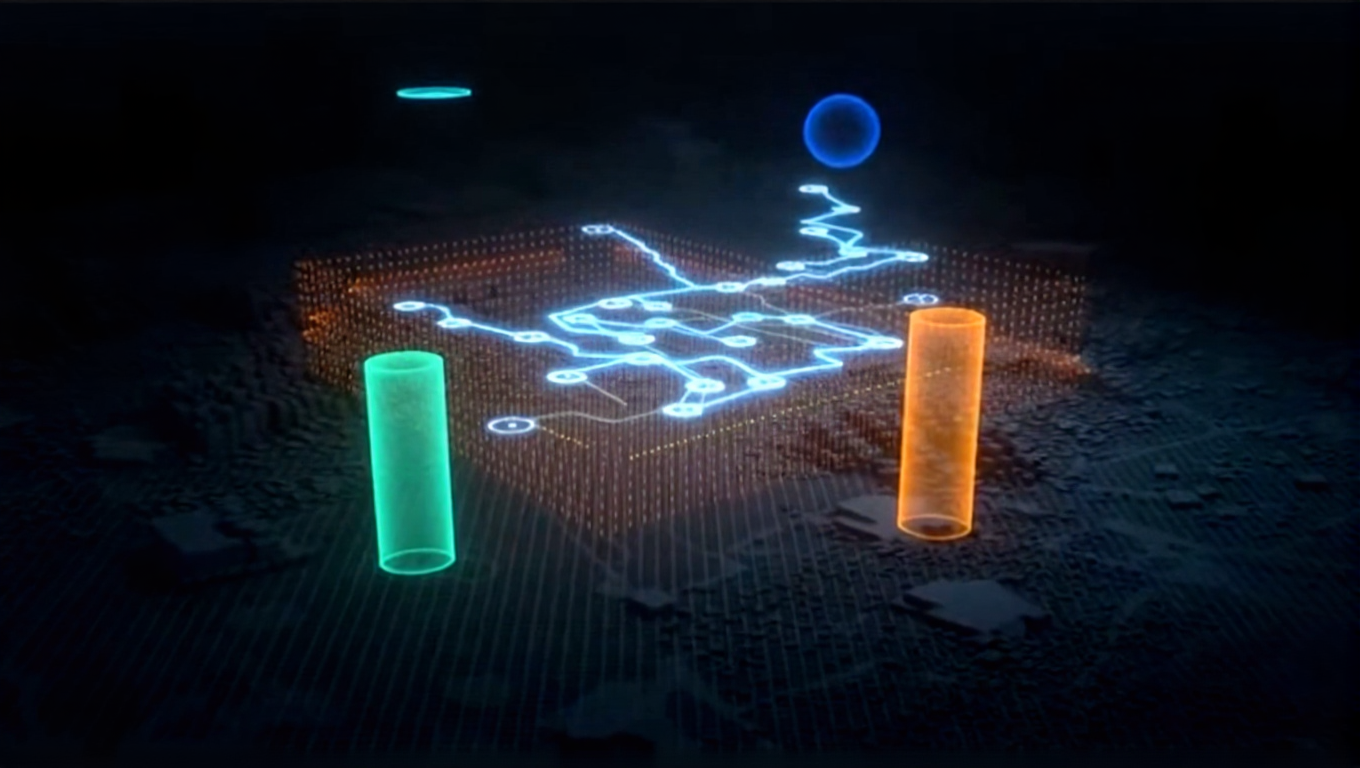
Once the LiDAR data is processed, part 2 of the route optimization process will be performed, which is when the data will be used by our in-house pathfinding algorithm. This algorithm will generate an optimal route that the ATV can take to reach the victim.
CoordiMate in a word …
Agile | Multi-Purpose | Mapping | All-Seeing
Explore Our Digital Prototype
Test our interactive digital drone prototype and see how CoordiMate’s design enables its ability to support real-time coordination in disasters, from live mapping to thermal imaging.
Controls:
Rotate: Click and drag the image to rotate it in any direction.
Zoom: Use your mouse scroll wheel or pinch on a touchpad to zoom in and out.
Pan: Hold the right mouse button (or two fingers on a touchpad) and drag to move the image.
Full Screen View: Click the button on the lower right corner to view in full screen.